How to Stop Doomscrolling at Night: 8 Practical Tips That Work
Key Takeaways
- Charge your phone in another room. This is the single most effective change. If the phone is not in your hand, you cannot scroll.
- Use Sleep Focus (iPhone) or Bedtime mode (Android) to silence notifications, dim the lock screen, and restrict apps automatically on a schedule.
- Enable grayscale at night. It makes your screen less stimulating, so even if you do pick up the phone, the pull is weaker.
- Block the feeds, not the apps. If Reels, Shorts, or Explore are the real problem, use ScrollGuard to remove the addictive parts while keeping messaging and other useful features.
- Replace the habit, do not just delete it. Keep a book, journal, or podcast ready at your bedside so your brain has something to do instead.
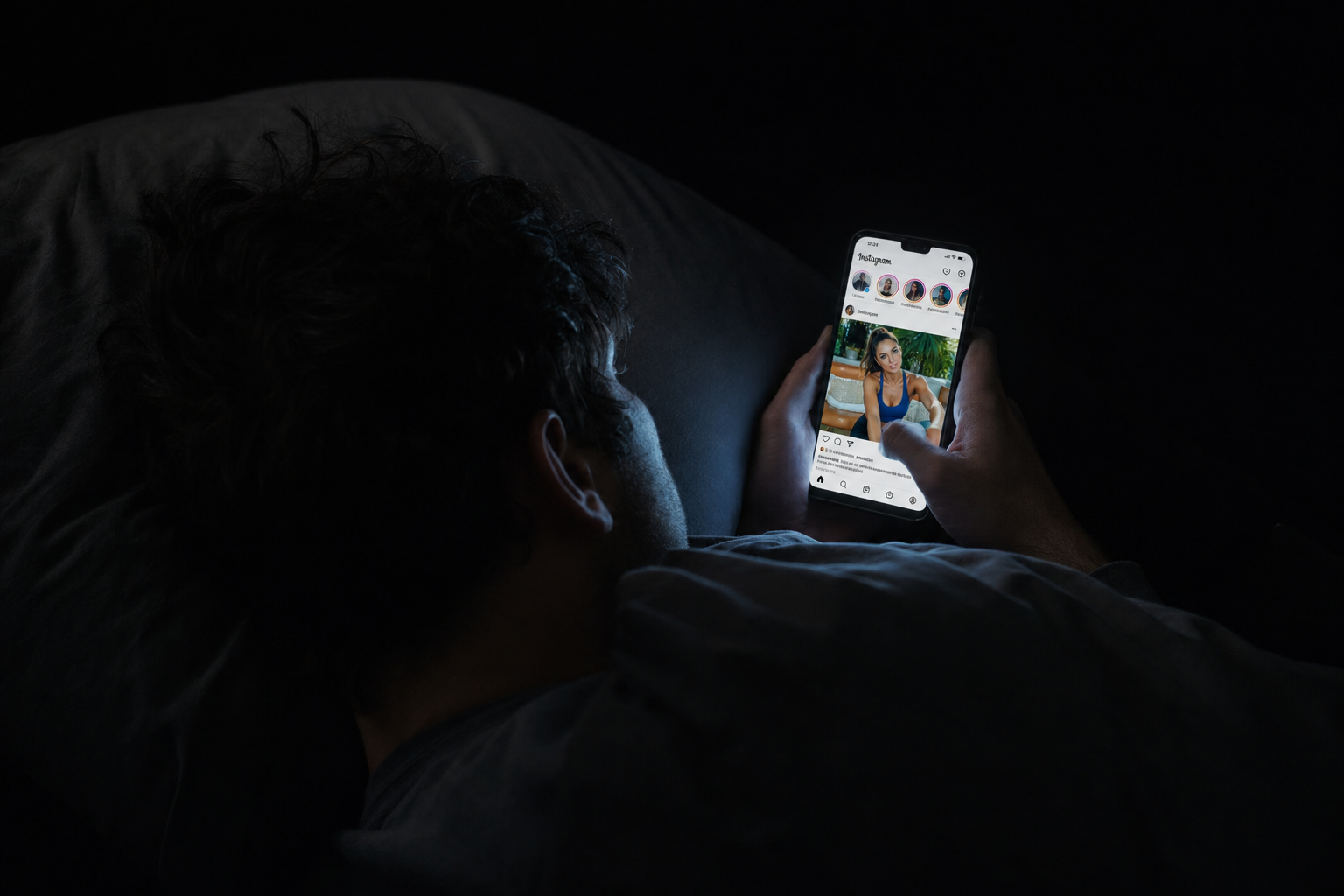
You tell yourself you will check your phone for two minutes. Then it is 1:30 AM. You have watched 45 Reels, read three Reddit threads about topics you will never think about again, and your alarm is set for 6:00 AM. You feel tired but somehow not sleepy.
If this sounds familiar, you are not lazy or broken. Nighttime doomscrolling is one of the hardest phone habits to break because everything about the situation works against you: low willpower, a dark quiet room, and an infinite feed designed to keep you watching.
This guide covers eight practical things you can do today. No vague "try being more mindful" advice. Just changes that create enough friction to break the loop.
Why Nighttime Scrolling Is Harder to Stop
Most people already know they scroll too much at night. The real question is why it feels so much harder to stop compared to during the day.
A few things stack up against you:
- Decision fatigue. By the end of the day, you have already made thousands of small decisions. Your capacity for self-control is at its lowest. Research on self-regulation shows that willpower depletes throughout the day, which is why resisting "one more video" feels almost impossible at midnight.
- No competing activity. During the day, work, errands, and social obligations give you reasons to put the phone down. At night, there is nothing pulling you away. The feed becomes the default activity.
- Blue light and arousal. Screen light suppresses melatonin production, making you feel less sleepy even when your body needs rest. A Harvard study found that blue light exposure before bed delayed sleep onset and reduced sleep quality.
- The dopamine loop. Short-form feeds use variable rewards. You never know if the next video will be boring or amazing, which is the same unpredictability that makes slot machines hard to walk away from. In a dark room with no distractions, this loop gets stronger.
The point is not to guilt yourself. The point is to recognize that the environment is the problem, not your character. Fix the environment and the behavior follows.
1. Charge Your Phone in Another Room
If you only do one thing from this list, do this.
The reason nighttime scrolling is so hard to resist is proximity. Your phone is right there on the nightstand, within arm's reach, glowing with notifications. As long as it stays there, you are relying on willpower alone, and we just covered why that does not work at night.
Plug your phone in to charge in the kitchen, living room, or hallway before you go to bed. If you need it as an alarm, see Tip 8 below.
Why it works
- Eliminates the "just one quick check" trap entirely.
- You would have to physically get out of bed, walk to another room, and start scrolling standing up. Almost nobody does that.
- Removes the temptation during the half-awake moments when you wake up at 3 AM.
- Many people in communities like r/nosurf and r/digitalminimalism report this as the single change that finally worked after everything else failed.
This feels extreme the first night. By the third night, most people say they cannot believe they did not do it sooner.
2. Use Sleep Focus (iPhone) or Bedtime Mode (Android)
If you are not ready to banish your phone from the bedroom yet, your phone's built-in sleep mode is the next best thing. It will not fully stop you from scrolling, but it adds real friction.
On iPhone: Sleep Focus
- Open Settings and tap Focus.
- Tap Sleep (or create a new Sleep Focus if it does not exist).
- Set your schedule. For example, 10:30 PM to 6:30 AM.
- Under Allow Notifications, choose only essential contacts (family, partner).
- Under Lock Screen, enable Dim Lock Screen.
- Under Home Screen, choose a minimal page with only essentials like Clock, Phone, and Messages.
Sleep Focus dims the lock screen, silences most notifications, and can hide app pages so your home screen shows only a few boring utilities. When your phone looks like a brick, you are much less likely to unlock it "just to check."
On Android: Bedtime Mode
- Open Settings and go to Digital Wellbeing & parental controls.
- Tap Bedtime mode.
- Set your bedtime schedule.
- Enable Grayscale (turns the screen black and white).
- Enable Do Not Disturb during bedtime hours.
Android's Bedtime mode can also automatically turn on grayscale at your set bedtime, which combines two powerful friction layers into one setting.
3. Enable Grayscale at Night
If you have ever noticed that your phone feels more "magnetic" at night, part of the reason is color. Bright thumbnails, red notification badges, and saturated video frames are more stimulating in a dark room because the contrast is higher.
Grayscale strips out that stimulation. Your phone still works, but the visual reward of opening it drops significantly. We covered the full setup for both iPhone and Android in our guide on how to make your phone less addictive in 15 minutes, including how to set up a triple-click toggle and schedule it automatically.
For nighttime specifically, the best approach is to schedule grayscale so it turns on automatically at your target bedtime:
- iPhone: Use an Automation in the Shortcuts app triggered by your Sleep Focus activating, then toggle Color Filters on.
- Android: Enable grayscale inside Bedtime mode in Digital Wellbeing. It turns on and off with your schedule.
When grayscale kicks in automatically, you do not have to remember to turn it on. And when you pick up your phone and see a dull gray screen, the urge to open Instagram or YouTube drops noticeably.
4. Block the Feeds Directly
Grayscale and Focus modes add friction, but they do not remove the trigger. If your nightly habit is opening Instagram and swiping into Reels, or tapping into YouTube Shorts, the feed is still there waiting for you.
This is where blocking the feed itself makes a bigger difference than any other setting. ScrollGuard removes short-form feeds from apps like Instagram, YouTube, Facebook, Snapchat, Reddit, and LinkedIn while keeping the rest of the app working. You can still check DMs, watch full-length videos, browse stories, and reply to messages. You just cannot fall into the infinite scroll loop.
If your nighttime problem is specifically Instagram Reels, see our step-by-step guide on how to block Instagram Reels. If YouTube Shorts is the culprit, the YouTube Shorts blocking guide covers the options.
If you want the cutoff enforced instead of relying on yourself, you can use ScrollGuard's Scheduled Breaks on Android. Blocking is on by default, and you choose the time windows when it pauses, for example Sunday afternoons. Leave the late-night hours permanently locked and the feed just isn't available after 10 PM, no willpower required.
Why blocking beats time limits
Screen time limits warn you after you have already been scrolling for 15 or 30 minutes. By that point, you are deep in the dopamine loop and the "Ignore Limit" button is one tap away.
Feed blocking works differently. It removes the feed before the loop starts. There is nothing to scroll, so there is nothing to resist. That is a much better position to be in at midnight when your willpower is at zero.
5. Set a Hard Cutoff Time
Pick a specific time when you stop using your phone. Not "when I feel tired" or "after this video." A fixed time. Write it down or set a recurring alarm.
A good default: 30 minutes before you want to be asleep. If your target bedtime is 11:00 PM, your phone goes on the charger (preferably in another room) at 10:30 PM.
The reason a hard cutoff works better than a vague intention is that it turns a willpower decision into a simple rule. You do not have to evaluate whether "now" is the right time to stop. The clock tells you.
Pair this with Sleep Focus or Bedtime mode so your phone reinforces the cutoff automatically. When the screen dims and notifications go silent at 10:30, it is a signal that phone time is over.
6. Build Replacement Habits
You will not stop scrolling at night by just not scrolling. Your brain needs something to do in that 15 to 30 minute window before sleep. If you leave a vacuum, you will fill it with your phone again within a week.
The key is to have the replacement ready and accessible. Do not count on "deciding in the moment" what to do instead.
Keep a physical book on your nightstand. Not a Kindle (too easy to switch to the browser). A real book. Fiction works best because it gives your brain a narrative to follow without stimulation.
Even two minutes of writing down what happened today or what you are thinking about can take the edge off the restless feeling that drives you to scroll.
Set a sleep timer for 15 or 20 minutes. Unlike video, audio lets you close your eyes and does not fight your body's melatonin production.
A simple 4-7-8 breathing exercise or five minutes of gentle stretching can actually make you drowsy faster than scrolling ever will.
The goal is not to find a "productive" replacement. It is to give your brain something low-stimulation to transition with. Reading a novel is not productive and that is exactly the point.
7. Make Your Bedroom Boring on Purpose
Sleep researchers call this "stimulus control." The idea is simple: your bedroom should be associated with sleep, not entertainment. When you scroll in bed every night, your brain starts associating the bed with stimulation instead of rest, and falling asleep gets harder even without the phone.
Practical changes:
- No TV in the bedroom if possible.
- No laptop in bed.
- Phone charges outside the room (Tip 1).
- If you read in bed, use a physical book with a dim reading light.
- Keep the room cool, dark, and quiet. Blackout curtains and a fan or white noise machine help.
This feels boring because it is supposed to. Boring is the entire point when you are trying to fall asleep.
8. Buy a Real Alarm Clock
The number one reason people give for keeping their phone on the nightstand is "I use it as my alarm." Fair enough. So buy a $10 alarm clock and remove that excuse.
This sounds like absurdly simple advice, but it is the keystone that makes Tip 1 (charging away from bed) possible. Once you have a separate alarm clock, there is genuinely no reason for the phone to be in the bedroom.
If you like waking up to music or a gradual light, sunrise alarm clocks do that too. The point is to break the dependency on having your phone be the first thing you touch in the morning and the last thing you touch at night.
The full nighttime stack
If you want the maximum effect, combine several of these tips into a simple nightly routine:
- At your cutoff time, plug your phone in to charge in another room.
- Sleep Focus or Bedtime mode activates automatically (with grayscale and Do Not Disturb).
- ScrollGuard is already blocking feeds, so even if you check the phone earlier in the evening, you cannot spiral into Reels or Shorts.
- Pick up your book, journal, or put on an audiobook with a sleep timer.
- Your alarm clock wakes you up in the morning. The phone stays in the other room until after you are up and moving.
Frequently Asked Questions
Why is doomscrolling worse at night?
At night your willpower is at its lowest after a full day of decisions. You are also lying in a dark room with nothing competing for your attention, which makes a bright, stimulating feed feel even more engaging. The blue light and dopamine hits from short-form video also delay melatonin release, making it harder to feel sleepy even when you want to stop.
Does charging your phone in another room actually help?
Yes. It is the single most effective change because it removes all temptation at once. If the phone is not within arm's reach, you cannot scroll. Many people who struggle with nighttime scrolling report that this one change fixed the problem completely.
What is Sleep Focus on iPhone and how does it help?
Sleep Focus is a mode in iOS that silences notifications, dims the lock screen, and can restrict which apps appear on your home screen during a set sleep schedule. It reduces the reward of picking up your phone at night by making the experience quieter and less stimulating.
Can I block Reels and Shorts only at night?
ScrollGuard blocks feeds whenever the app is active, so if you only open social media at night, the feeds will be blocked during that time. For scheduling, you can combine ScrollGuard with your phone's Focus mode or Bedtime mode to limit app access during specific hours.
Is it better to use a screen time limit or block the feed directly?
Blocking the feed is usually more effective. Screen time limits give you a warning after you have already been scrolling, and most people just tap through the override. Feed blocking removes the trigger before the loop starts, so there is nothing to scroll in the first place.
What if I need my phone for the alarm?
Buy a basic alarm clock. They cost under $15 and remove the main excuse for keeping your phone on the nightstand. Sunrise alarm clocks are a nice upgrade if you want a gentler wake-up experience.
Sources
- Apple Support: Set up a Focus on iPhone
- Apple Support: Set up Sleep on iPhone
- Google Help: Manage your time in Bedtime mode
- Harvard Health: Blue light has a dark side
- Sharpe, B.T. & Spooner, R.A. (2025). Dopamine-scrolling: a modern public health challenge requiring urgent attention.
- BMC Medicine (2025): Smartphone screen time reduction improves mental health: a randomized controlled trial
- Chang, A.M. et al. (2015). Evening use of light-emitting eReaders negatively affects sleep, circadian timing, and next-morning alertness. PNAS.
- Stanford Medicine: Addictive Potential of Social Media, Explained
Stop the Scroll Before Bed
ScrollGuard blocks Reels, Shorts, and other addictive feeds so you can keep your apps without losing your sleep.