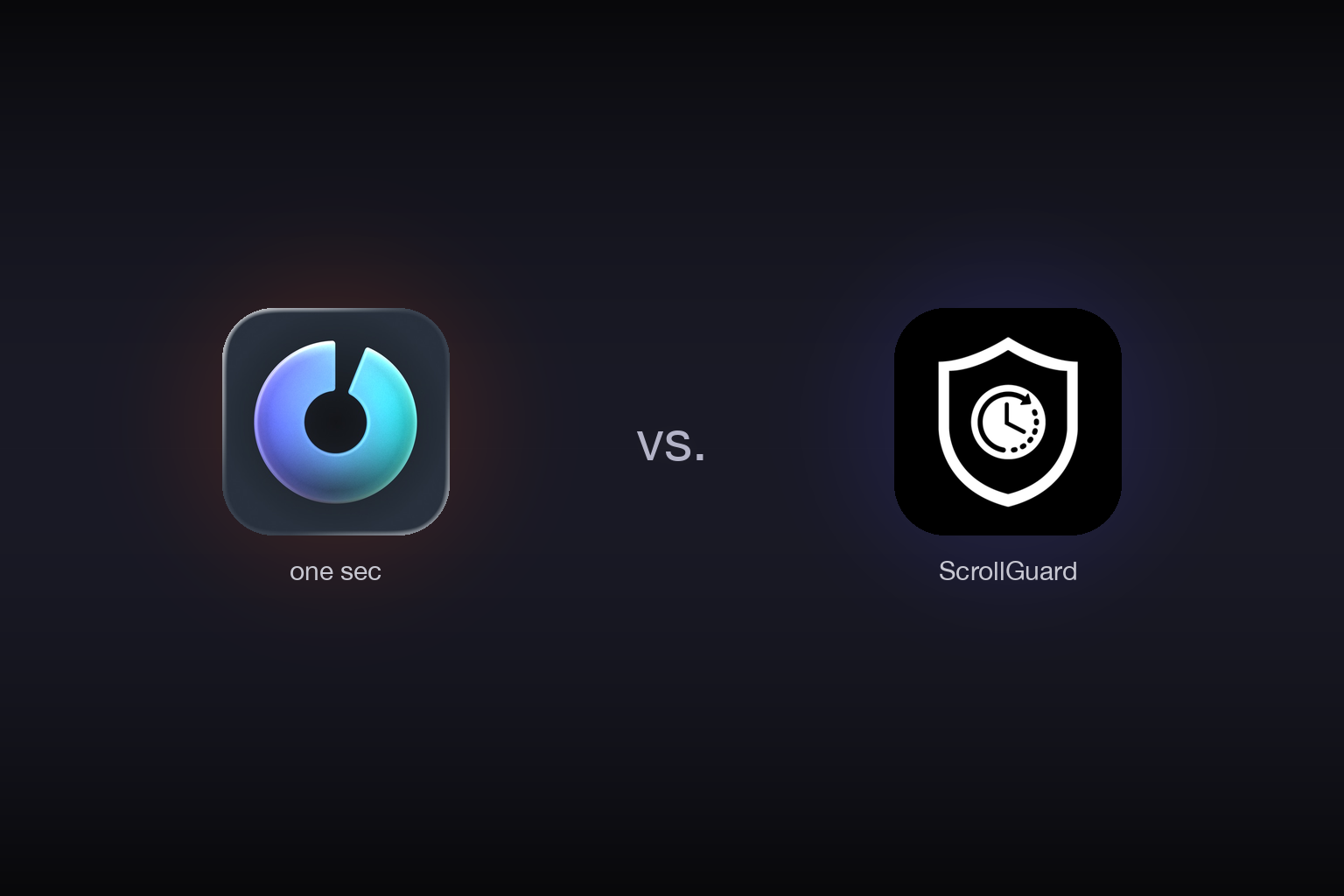
one sec vs. ScrollGuard: Pause the App or Block the Feed?
one sec is a mindful app launcher built around a single, powerful idea: before you open a distracting app, it makes you pause. A one-second breathing exercise appears, creating a moment of friction between the reflex and the action. That moment is often enough to change your mind. It works across Instagram, TikTok, YouTube, news apps, or anything else you configure, on both iPhone and Android.
The question is whether ScrollGuard solves a different problem entirely: not the reflex that opens Instagram, but what happens inside it once you are there. Specifically, the Reels tab that swallows 45 minutes without warning. We tested both apps over several weeks to understand exactly where each one works and where it does not. The tools diverge sharply, and this guide breaks down which one fits which situation.
one sec adds a mindful breathing pause before you can open any distracting app, interrupting the reflex before it becomes a habit.
ScrollGuard removes addictive feeds (Reels, Shorts, TikTok For You) from inside the app, while keeping DMs, stories, and everything else working.
Which One Should You Choose?
- Choose one sec if you want a mindful pause every time you reach for Instagram, TikTok, or any distracting app, to interrupt the reflex before you open it.
- Choose ScrollGuard if you have already opened the app on purpose and you keep losing 45 minutes to the For You feed or Reels, no matter how mindful you are at the door.
How Do one sec and ScrollGuard Compare?
| Feature | one sec | ScrollGuard |
|---|---|---|
| Core Philosophy | Friction at the door (pre-open pause) | Surgical feed removal inside the app |
| Mechanism | Interrupts app launch with a breathing pause | Removes feed UI from inside the running app |
| Social Media Use | Pauses whole app, or not at all | Keep DMs/Stories/Shop, block Reels/Shorts/FYP |
| Persistence | One-time pause; you scroll freely after | Feed stays gone; no UI to hit |
| Platform Support | iPhone, Android, Mac | iPhone, Android |
| Strictness | Bypassable in seconds (skip the pause) | Hard to bypass. Feed is not there |
Where Does one sec Win?
one sec is a thoughtfully designed app that attacks a real and specific problem: the mindless reflex. If your phone opens Instagram before your brain has decided to, one sec is one of the most effective interventions available.
1. The Frictional Pause
The core mechanic is simple: you tap Instagram, one sec intercepts the open and shows a slow inhale-exhale prompt for roughly one second before the app loads. That one second is not cosmetic. It breaks the automaticity of the action. A great deal of compulsive phone use is reflex, not desire: the gap between impulse and action collapses to near zero, so the choice never gets made consciously. one sec inserts that gap back in at exactly the right moment, the app launch. If you check Instagram 40 times a day, many of those opens are pure reflex. A pause that makes even 15 of those 40 checks deliberate is a meaningful behavioral intervention.
2. Universal App Coverage
one sec is not limited to social media feeds. You can configure it to pause any app on your phone: Instagram, TikTok, YouTube, Reddit, Twitter/X, news apps, games, or anything else. If the problem is that you compulsively reach for your phone and open things indiscriminately, one sec is the right tool because it works at the system level, interrupting the entire class of impulsive opens, not just one feed.
ScrollGuard does have an anti-scroll mode of its own: when you have been scrolling for longer than your configured threshold, it surfaces a pop-up to interrupt the session. That covers drift-scrolling that happens even outside the blocked feeds. But for coverage across any arbitrary app on your device, one sec remains the broader tool.
3. Polished App Design
one sec is a well-crafted native app. The onboarding is clean, the breathing animation is genuinely calming, and the setup flow is approachable. It does not feel like a security tool you have to fight to configure. The app has clearly been refined through many iterations and it shows.
4. Mac and Desktop Support
one sec also covers desktop via a Mac app, which matters if your distraction problem extends beyond mobile. If you find yourself defaulting to social media on your laptop during work hours, one sec covers that scenario too. ScrollGuard currently focuses on mobile only, so for desktop distraction management one sec is the clear choice.
Where Does ScrollGuard Win?
ScrollGuard is built for a different failure mode. The issue is not how you get into Instagram. It is what you encounter once you are already there. It removes the addictive content, not the app, so you can keep everything you actually came for.
1. Surgical Feed Removal
This is the biggest differentiator. one sec pauses all of Instagram. Once you get past the pause (which takes one second), the full app is open, including Reels. ScrollGuard works differently: it lets you open Instagram normally, but the Reels feed is gone. You can reply to DMs, check Stories, scroll your regular photo feed, and post. You just cannot fall into Reels.
The same model applies across platforms. You can block YouTube Shorts while keeping subscriptions, search, and full-length videos. You can block TikTok's For You feed while keeping DMs and the Shop. That surgical precision is something no friction-at-the-door tool can replicate, because the problem is inside the app, not at the entrance.
ScrollGuard also has an anti-scroll mode that goes beyond specific feeds. When you have been scrolling continuously for longer than your configured threshold, it surfaces a pop-up to interrupt the session. This catches drift-scrolling outside of the blocked content too, so the protection covers the full scope of compulsive scrolling behavior, not just short-form video.
2. The Block Persists Inside the App
one sec is a one-time gate. Once you move past the pause (whether you breathed through it or tapped "skip"), the entire app is available with no further restriction. If you opened Instagram for a legitimate reason and then end up on the Reels tab fifteen minutes later, one sec cannot help with that second failure.
ScrollGuard's block stays active throughout the session. There is no Reels tab to navigate to, no feed to accidentally land on, and no "I'll just check one" moment available. The feed is simply absent. That persistence is what makes it effective for people who open apps intentionally and still lose time inside them.
3. Scheduled Breaks (Inverted Default)
On Android, ScrollGuard's Scheduled Breaks work the opposite way to most blockers. Feeds are blocked by default and you pick specific time windows when blocking pauses, like Sunday 7 to 9 PM. The block comes back on its own, so you never need to think about it or remember to re-enable it.
Most apps, one sec included, work the other way: you set a blocking session and the default is open. ScrollGuard's inverted default is a meaningful behavioral design difference. You are not fighting your own bypasses because the restriction is the state that requires no action.
4. Fits the "I Need the App, Not the Addiction" Problem
There is a use case one sec cannot solve: you genuinely need Instagram. Your family has a group chat there. Friends post Stories you want to see. You use it to stay in touch, not to scroll endlessly. Deleting it is not realistic, but every time you open it you end up spending 45 minutes on Reels you did not choose to watch.
ScrollGuard is designed for exactly that situation. You keep the app, you keep the social connection, and you remove only the part that hijacks the session. You open Instagram for a DM, check it, and leave. The Reels feed is not there to pull you sideways.
The reflex open is obvious and easy to recognize. The "I had a reason but then I stayed for an hour" open is harder to fight, because it does not feel like a failure until you are already 30 minutes in. ScrollGuard removes the trap at the source by making the feed unavailable, regardless of how intentionally you opened the app.
Which App Fits Your Use Case?
Use one sec if…
- You reflexively open Instagram, TikTok, or other apps 30+ times a day without thinking.
- Your problem is the opening, not what happens once you are inside.
- You want a single tool for many distracting apps, not just feeds.
- You also want coverage on your Mac or desktop browser.
Use ScrollGuard if…
- You need to keep social apps for DMs, family, or friends, but want to remove the addictive feed.
- You open Instagram on purpose and still lose an hour to Reels.
- Your specific problem is short-form video: Reels, Shorts, For You.
- You want the feed gone, not a pause before it.
- You want set-it-and-forget-it scheduled allowances (Android).
Can You Use Both Together?
For most people, these two tools do not compete. They cover different parts of the same distraction cycle: one sec at the app entrance, ScrollGuard inside the feed. Using both is the most complete approach available on mobile.
one sec breaks the reflex open before you get into the app. If you pause and decide you do actually want to check DMs, you open Instagram, and ScrollGuard has already removed the Reels tab. The habit that pulls you in (the mindless open) and the trap that keeps you there (the feed) are both covered. Most people who use the combination find they move through social media checks in under two minutes rather than losing 30 minutes to a feed they did not intend to watch.
Also weighing AppBlock? The AppBlock vs. ScrollGuard comparison covers that one side-by-side.
Frequently Asked Questions
Can one sec block Reels specifically?
No. one sec works at the app level. It pauses the entire Instagram app before you open it. It cannot remove just the Reels tab while leaving DMs, Stories, and the photo feed accessible. Surgical feed removal is what ScrollGuard is built for.
Is one sec free?
one sec has a limited free tier that covers a single app. The Pro plan, which unlocks unlimited apps and customization, starts around $20 per year for the individual plan, with a Family Plan around $30 per year and a Lifetime option (about $99.99).
Is ScrollGuard free?
ScrollGuard is free to download. Blocking short-form video feeds (Reels, Shorts, TikTok For You, and others) is included in the free plan. Some additional features are available with a Pro subscription.
Is ScrollGuard a one sec alternative?
For feed-specific scrolling (Reels, Shorts, TikTok For You): yes. If short-form video inside apps is the core problem, ScrollGuard is often more effective because it removes the feed rather than pausing at the entrance. For app-launch friction and building a mindful pause habit, one sec is the right tool and ScrollGuard is not trying to replicate that.
Can I use one sec and ScrollGuard together?
Yes, and they layer well. one sec creates friction before you open Instagram or TikTok. ScrollGuard removes the addictive feed once you are inside. Together they close both gaps in the distraction cycle: the reflex open and the intentional-but-derailed open.
Which is better for ADHD?
It depends on which part of the cycle is the problem. one sec is stronger for impulsive app opens, the automatic reflex reach for your phone that happens without a conscious decision. ScrollGuard is stronger for hyperfocus traps, when you open an app intentionally but then cannot leave because the feed is engineered to hold attention. Many people with ADHD experience both, which is another reason the two apps work well together.
Sources
Stop Doomscrolling Without Deleting Social Media
ScrollGuard blocks Reels, Shorts, Explore, and other addictive feeds while keeping DMs, stories, subscriptions, and the rest of your apps usable.